
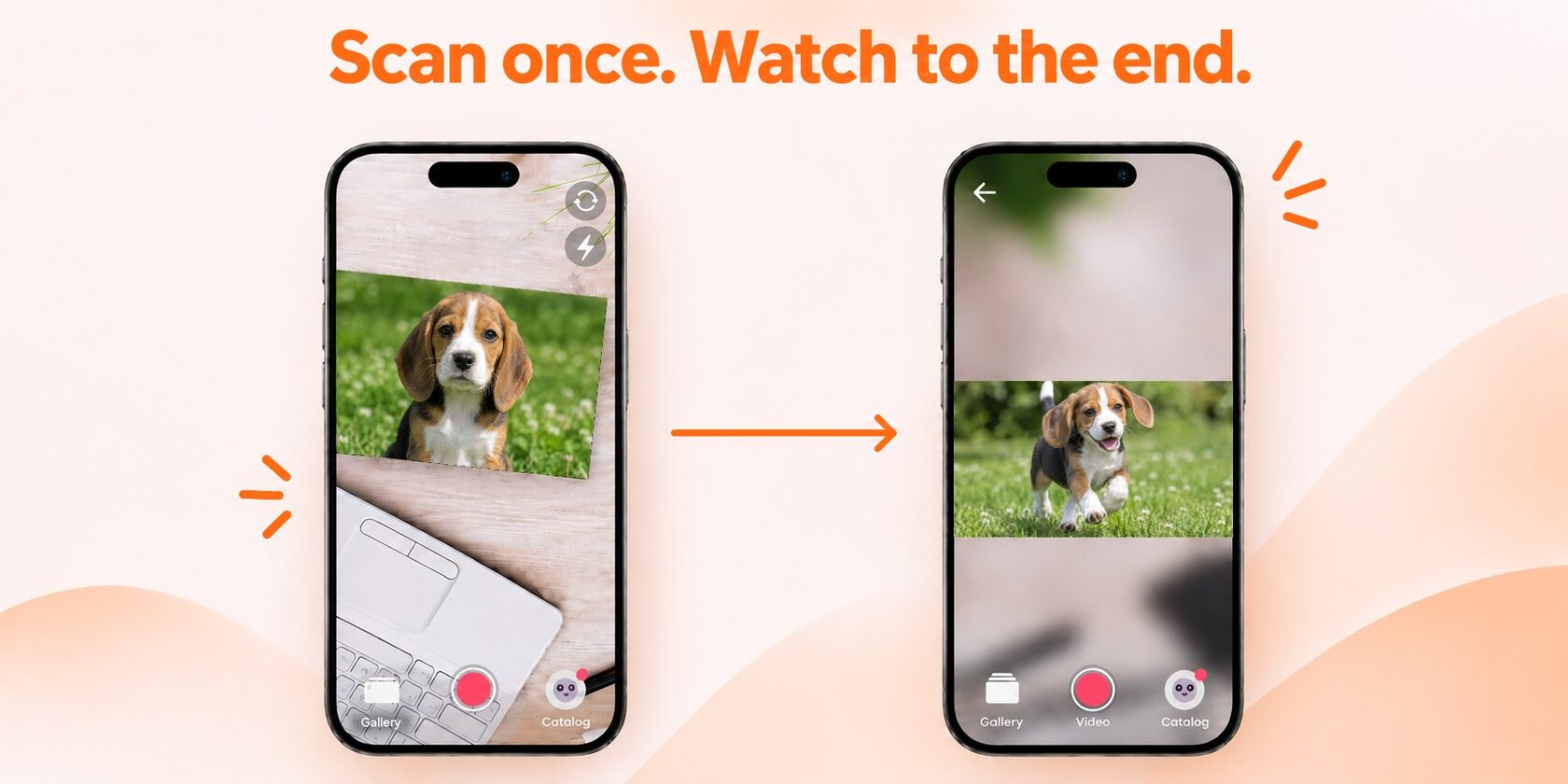
In short: your customers no longer need to hold their phone over the image for the whole video. They scan once to start the AR video, then lower the phone — and the video keeps playing on screen like a regular clip.
This makes longer videos practical: a three-minute wedding toast, a graduation speech, a product demo. The feature is available on the Starter and Pro plans.
This makes longer videos practical: a three-minute wedding toast, a graduation speech, a product demo. The feature is available on the Starter and Pro plans.
No more holding your phone over the photo
Until now, the video played only while the camera stayed on the image. With a long clip, that gets tiring: arms get tired, the phone drifts, and the video stops. Now the image is needed only to start the video. After that, your customer can hold the phone however they like.
How it works for your customer
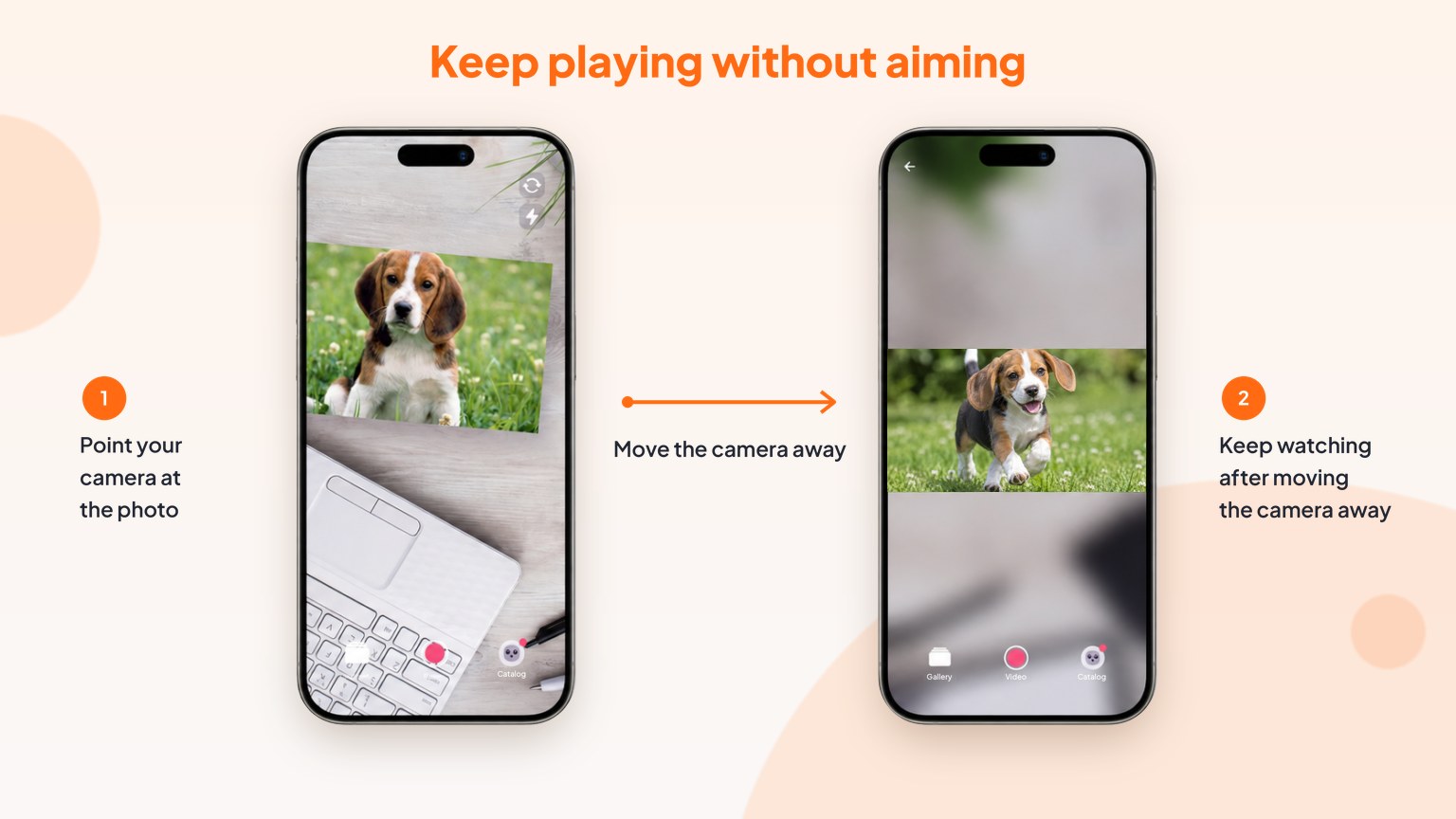
- Point the camera at the photo, card, or other printed product.
- Wait for the AR video to start.
- Lower the phone or move it away from the image.
- Keep watching on the screen — the video doesn't stop.
How to turn it on in your dashboard
The feature is set per activation, by you as the seller. Your customers don't need to change anything.
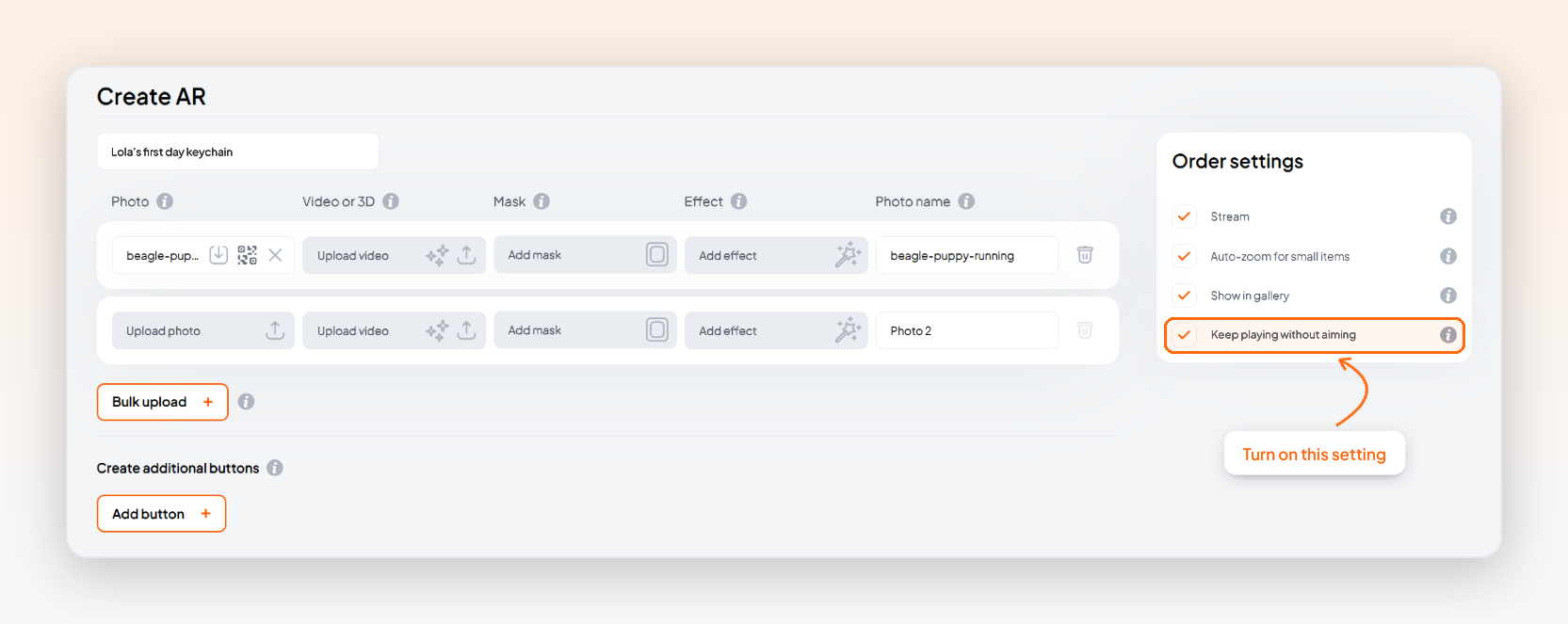
- Start a new activation in Create AR or Self-serve QR code.
- In Order settings on the right, check Keep playing without aiming.
- Create the activation. The setting applies to every image in it.
Add longer videos to your AR products
With this feature on, you can attach videos that run for several minutes — and your customers will actually watch them to the end. A few ideas:
- Weddings and anniversaries: a full toast, vows, or a first dance on a thank-you card or photo print.
- Graduation albums: a teacher's speech or a message to the class of 2027.
- Family gifts: a birthday message, a video of the kids, or a holiday greeting on an ornament or magnet.
- Travel souvenirs: a guided tour or a story about the place.
- Business print: a product demo, how-to, or workshop on flyers, packaging, or business cards.
Why longer AR videos mean more to your customers
The video still starts right on the photo — that moment of surprise stays the same. What changes is everything after: the viewer can sit back and watch comfortably. That matters most for emotional videos, like a speech or a personal message that runs a few minutes. A gift people watch to the end is a gift they remember, share, and come back to order again.
Available on Starter and Pro
Keep playing without aiming is included in the Starter and Pro plans. There’s nothing extra to buy: just check the box when you create an activation. On a different plan? You can upgrade anytime in Account settings → My plan.
FAQ
Does my customer need to keep the camera on the image?
No. Only to start the video. After that, the phone can point anywhere.
Will the video stop if the image leaves the frame?
No. With the feature on, the video keeps playing until the end.
What kinds of videos can I add?
Messages, toasts, speeches, tours, product demos, how-tos — any longer format your customers will want to watch in full.
Does it only work with photos?
No. It works on any printed image: cards, albums, magnets, ornaments, acrylic prints, flyers, and packaging.
Does it cost extra?
No extra cost on the Starter and Pro plans: the feature is included. On a different plan, upgrade in Account settings → My plan to turn it on.
No. Only to start the video. After that, the phone can point anywhere.
Will the video stop if the image leaves the frame?
No. With the feature on, the video keeps playing until the end.
What kinds of videos can I add?
Messages, toasts, speeches, tours, product demos, how-tos — any longer format your customers will want to watch in full.
Does it only work with photos?
No. It works on any printed image: cards, albums, magnets, ornaments, acrylic prints, flyers, and packaging.
Does it cost extra?
No extra cost on the Starter and Pro plans: the feature is included. On a different plan, upgrade in Account settings → My plan to turn it on.